Drawing Tool Demo
On this page, we wire everything so far into one instrument.
このページでは、ここまでのすべてをひとつの道具に繋ぎ合わせます。
Drawing tool
open full size ↗Draw on the canvas, turn the dials, and use the settings panel on the right: initialize, clear, replay, record, full screen.
キャンバスに描き、ダイヤルを回し、右の設定パネル(クリア、リプレイ、録画、全画面)を使ってみてください。
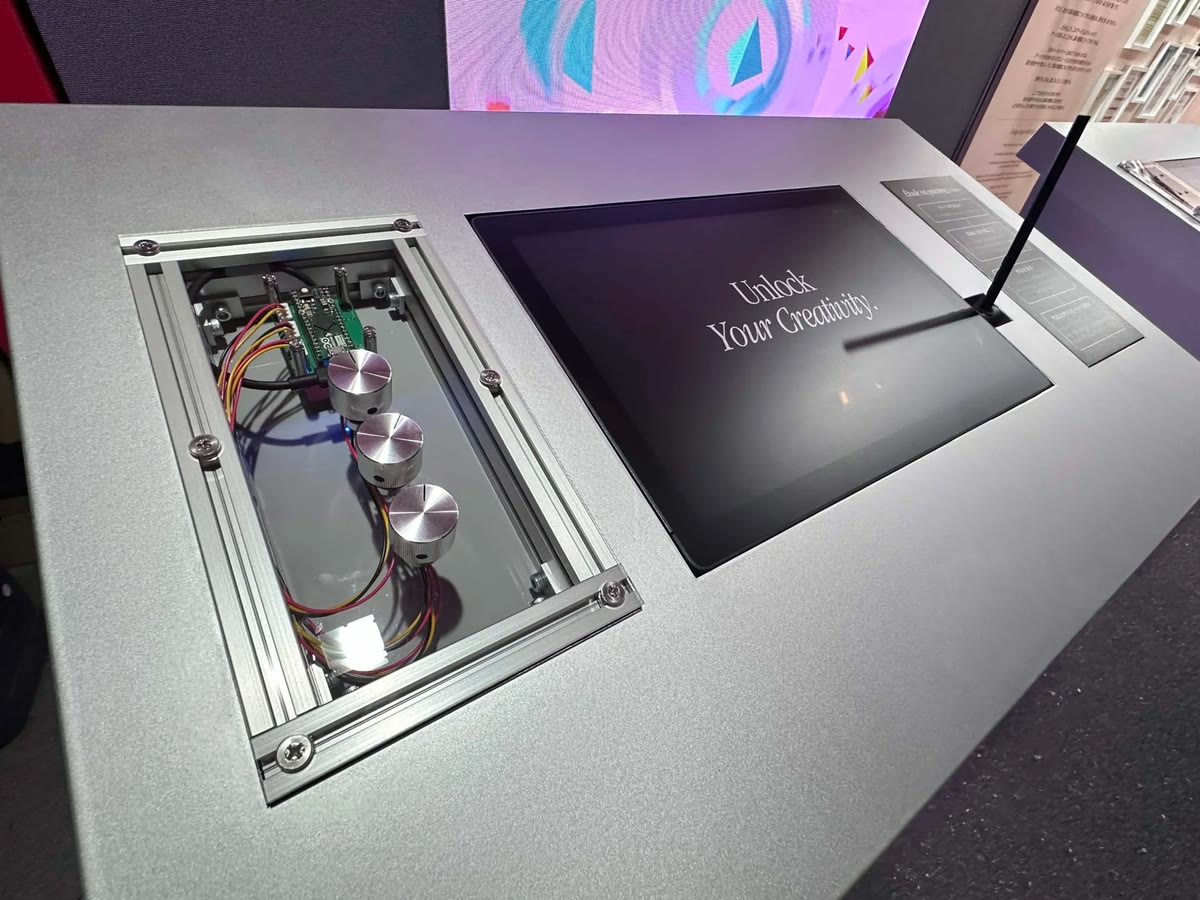
This demo brings together all the features we have discussed, including strokes, fills, and the palette. The three dials floating over the canvas correspond to those built into the actual installation and control colors, stroke widths, and tools, respectively. You can also operate them via MIDI by connecting a MIDI controller. The panel on the right provides fine-grained controls for debugging.
このデモは、ストローク、塗り、パレットなど、これまで見てきたすべての機能をひとまめにしたものです。キャンバスの上に浮かぶ3つのダイヤルは、実際のインスタレーションに組み込んだダイヤルに対応し、それぞれ色、ストロークの幅、ツールを操作します。MIDIコントローラーを接続すれば、MIDI経由でも操作できます。右側のパネルでは、デバッグのための細かな調整ができます。