Codifying human (1)
物理的な素材ができたので、次にそれを使う人間について考える。
人間について掘り下げると取り留めがないけど、絵を描くときの手の動きとか、経験則、技術、何の絵を描くかといった発想に関わる部分について。
Now that the physical materials have been created, the next step is to think about the human aspect.
Delving into human beings is a bottomless rabbit hole, but let’s think about things like movement of hands and arms, heuristics, technical skills, concepts of what to paint, and so on.

丸を描いてみる。普通の人には正円や直線は書けない。歪んだり震えたり。どれくらいの速さで手を動かすのかによってもずれ方が違う
Try drawing a circle. Most of us can’t draw a regular circle or a straight line. The shapes get distorted or shaky. The way lines deviate can be affected by how fast you move your hand.

線を描くモデルは無数にありえるが、例えば線の動きを速度と回転、それぞれに対するノイズとずれを元に戻そうとする力などに分けて考えてみる。このバランスを変えると勢いの良い線からためらいの感じられる線など、様々なバリエーションが作れる。
There can be countless models for drawing lines, but let’s consider, for example, breaking down the movement of a line into speed, rotation, noise for each of these, and the force that tries to correct the deviation. By changing the balance of these factors, we can create a wide variety of lines, from ones that you can feel the momentum, or ones that you can see the hesitation.

ためらいの感じられる線、手の震え。hesitating lines, trembling hands.
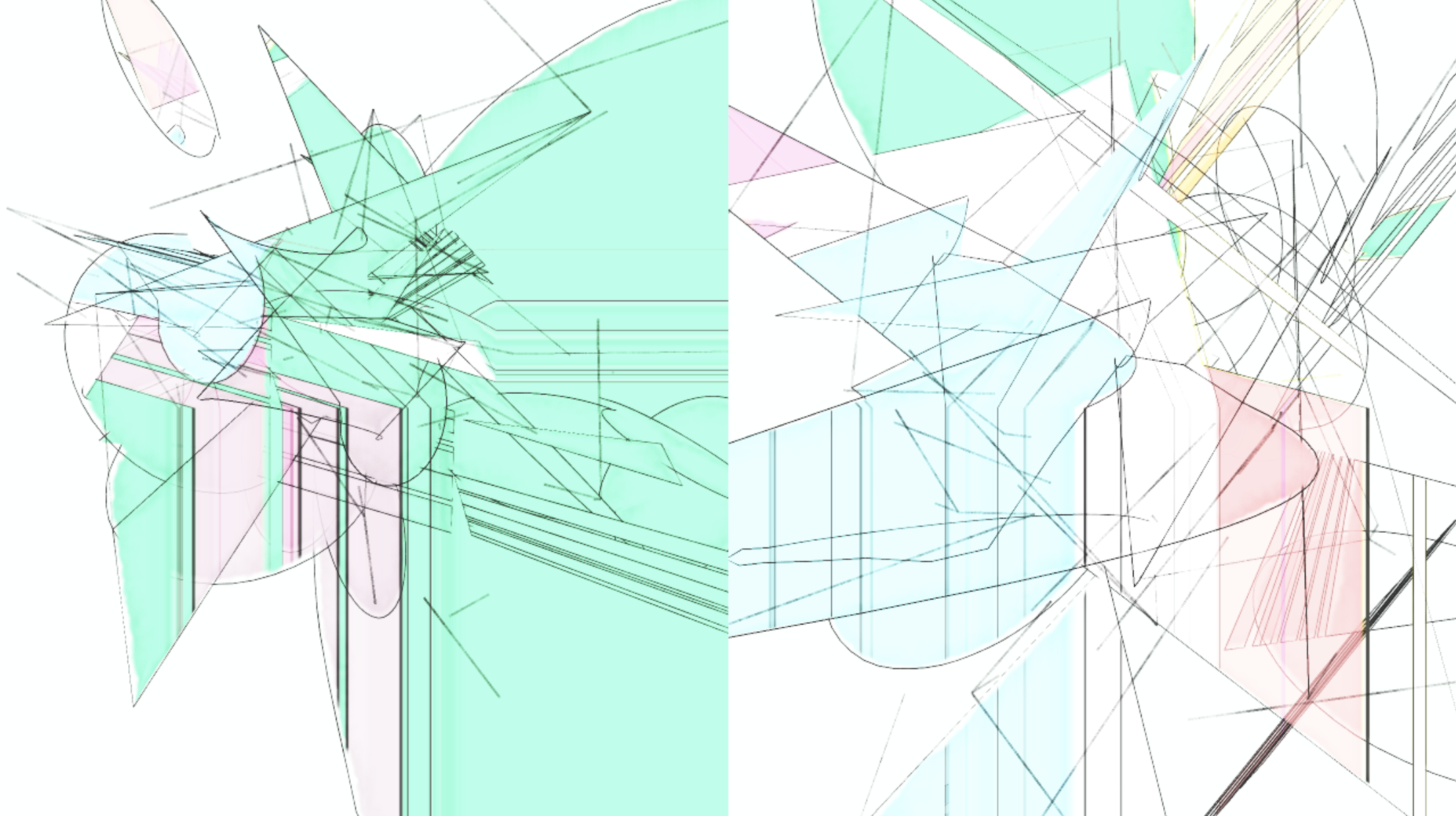
定規を使って手で書いたような、正確で軽さの感じられる線。A line that feels precise and light, as if drawn by hand with a ruler.
モデルができたら、訓練された画家が使うようなトーンをこのモデルで作れるか試してみる。クロスハッチングや点描、カリグラフィで使うようななめらかなストロークなど。
Once the model is created, I can test if it can produce the kind of tones that a trained painter would use, such as cross-hatching, dots, smooth strokes like those used in calligraphy, and so on.

よくデッサンの基礎として教えられる経験則について考えてみる。明るい側から暗い側に移り変わるエリアは斜めから光が当たり表面の凸凹が出やすいので、ザラザラなトーンで描く。その下のエリアは床からの反射は面光源の役割を果たすのでソフトな潰れたトーンで描く。などなど。
Let’s consider heuristics often taught as a basic drawing technique. The area where the light side meets the dark side should be drawn in a rough tone because the light from an angle highlights the roughness details of the surface. The dark area below should be filled with a soft, muted tone because reflection from the floor serves as area light. And so on.

ある程度モデルが頭に浮かんだら、コードに落としてパラメータで調整できるようにする。実際に絵を描くときは少しずつ書きながらバランスを取るが、コードで描くときは一瞬で出力が出て、全部のバランスを一気に書き換える感じになるのが面白い。
Once I have some idea of what the model could be, I put it into code and make it adjustable with parameters. It is interesting that it takes steps and iterative adjustment to balance everything out when drawing with physical tools, but when drawing with code, the output can be instantaneous, and it is like refreshing the balance of everything at once.

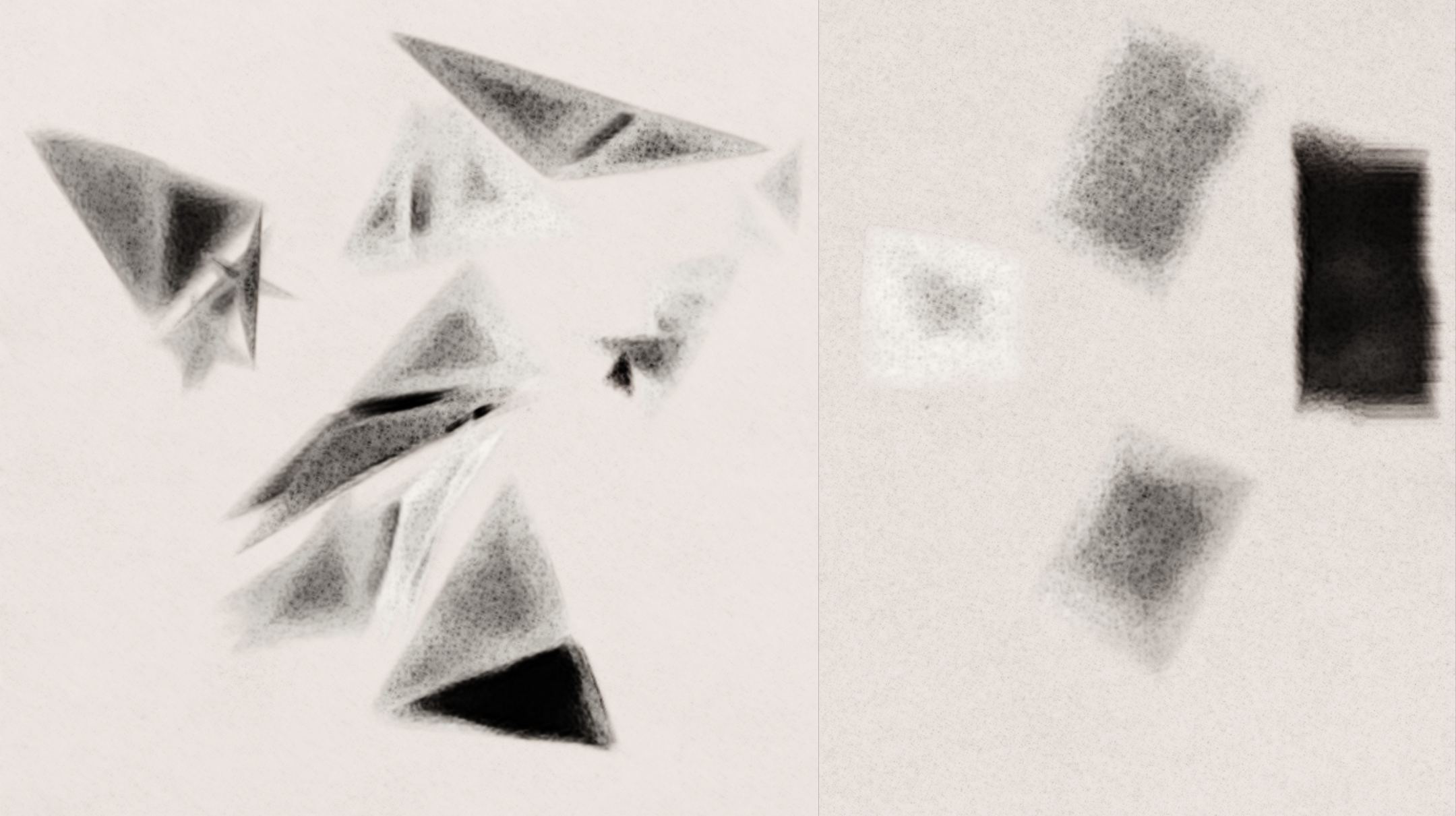
立体的な奥行きを鉛筆や木炭のようなトーンで表現する実験。絵の表現は必ずしもフォトリアリスティックである必要はなく、例えば形のエッジに強い線を引くだけで遠近が見えたりする。普通の3Dレンダリングとは全然違う発想で画面を作れたりする。明暗、白黒のトーンだけでもずっと遊べる。
An experiment in conveying three-dimensional depth with pencil and charcoal-like tones. Drawings don’t necessarily have to look photorealistic. For example, by simply drawing strong lines on the edge can create the illusion of depth. Completely different approach from ordinary 3D rendering can still make great pictures. Light and dark, black and white tones alone have infinite possibility to play around with.

絵の教科書やYoutubeの解説ビデオで、人が自分のテクニックをどう説明するのかを見るのも凄く面白い。例えば植物画の描き方の本を見て、葉や花びらの描き方をコードで模写してみる。
It is also very interesting to see how people explain their techniques in books and Youtube videos. For example, this is a study to copy the way leaves and petals are drawn in a book on botanical paintings in code.


部分の拡大。さっきのパラメータ化されたストロークと引きずる絵の具の合体。コード化された道具を自由に組み合わせて使った例でもある。
Zooming into detail. The parameterized strokes and trailing paint from earlier are used together. This is also an example of freely combining coded tools.

部品の描き方が見えてきたので、組み合わせて全体を描いてみる。3Dモデルを元に人間らしいぶれを加えて筆の動きのデータに変換する。ここまでくると全自動化できるので夜中ずっと植物図鑑を描き続けるようなプログラムも書ける。
Now that I know how to draw the parts, I can combine them and draw the whole thing, adding human-like shaking based on the 3D model and converting it into brush stroke data. At this point, I can fully automate the process, and write such a program that can keep drawing botanical illustrations all night long.


パラメータやツールを切り替えて表情を変えてみる。空気感や風景を感じさせる要素を入れてみた。
I can change the look by switching parameters and tools. I included elements that give a sense of air and imply the scenery in the background.
