On Prototyping (Prototyping is sketching)
Originally written in English in 2020.
2020年に英語で書かれました。
日本語は全てAIによる翻訳です。意味が間違っていたところを数箇所直した以外は出力をそのまま使いました。
This text was originally a script for a presentation with many pictures and videos of the actual projects. Since most of them were confidential, I replaced the examples with already-publicized materials and personal projects. In particular, I drew from examples presented by my teammates at the Forward Festival 2021.
このテキストは元々、多くの画像や実際のプロジェクトのビデオを含むプレゼンテーション用のスクリプトでした。しかし、そのうちのほとんどは機密情報であったため、公開されているマテリアルや個人プロジェクトの例に置き換えました。特に、Forward Festival 2021でのチームメイトのプレゼンテーションから、私のプロジェクトの複数の例を引用しました。

On Prototyping
プロトタイピングについて
I spent a good chunk of my life as a designer, and I spend a lot of time on prototyping.
Since I enjoy prototyping as an integral part of my design process so much, I’ve been wanting to encourage the integration of prototyping and design as a seamless process rather than two discrete steps.
I want to encourage designers to prototype more, and engineers to design more. So, I decided to leave some notes on how I prototype. I hope someone finds this interesting.
私は人生のかなりの時間をデザイナーとして過ごしており、プロトタイピングに多くの時間を費やしています。
私はプロトタイピングをデザインプロセスの重要な一部として楽しんでいるので、プロトタイピングとデザインを2つの個別のステップではなく、シームレスなプロセスとして統合することを奨励したいとずっと思っています。
デザイナーにはもっとプロトタイプを、エンジニアにはもっとデザインすることを推奨したいのです。そこで、私がどのようにプロトタイプを作成しているか、いくつかメモを残すことにしました。誰かがこれを面白いと思ってくれれば幸いです。
What are prototypes?
プロトタイプとは?
To me, prototyping is an act of materializing unproven ideas with ingenuity, communicating, and rigorously validating the design and products.
Prototypes can be made with anything.
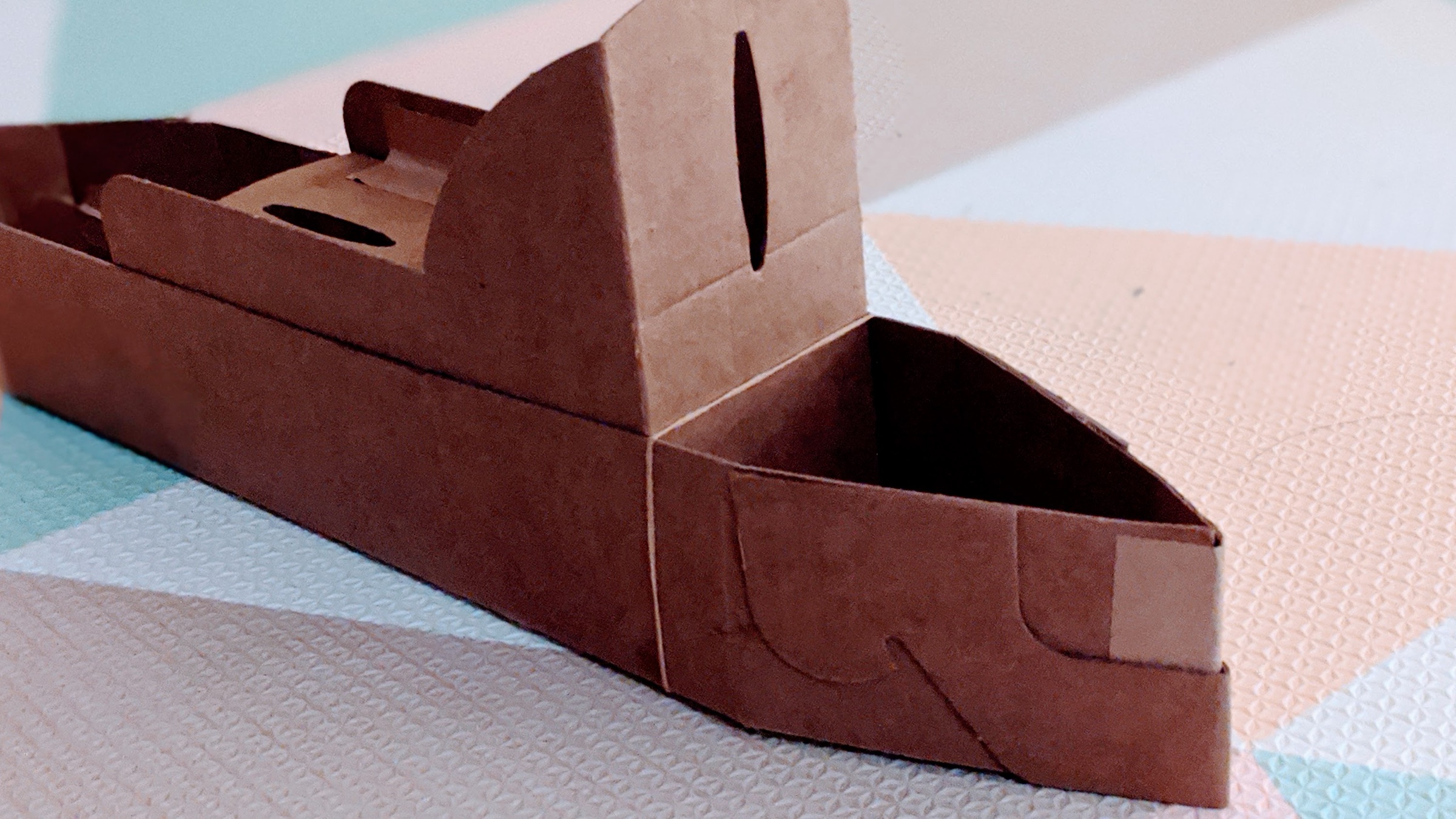
Be it code, paper, or motion, whatever serves the purpose is a great prototype. I use JavaScript, C++, Unity, Processing, TouchDesigner, Figma, paper, pen, scissors, glue, plexiglass, and whatever works. I often invent my tools.
私にとってプロトタイピングとは、検証されていないアイデアを創意工夫で具現化し、デザインや製品を伝え、厳密に検証する行為です。
プロトタイプは、どんなものでも作ることができます。
コードであれ、紙であれ、動きであれ、目的にかなうものであれば、何でも優れたプロトタイプになります。Javascript、C++、Unity、Processing、Touchdesigner、Figma、紙、ペン、はさみ、のり、プレキシグラスなど、使えるものは何でも使いますし、自分の道具を工夫することもよくあります。
Prototype to sketch
スケッチとしてのプロトタイプ
In the UX industry, the main goal of prototyping is often to validate designs. UX designers create the UI, and then UX engineers implement it to test and gather feedback.
While this is undoubtedly a valid and invaluable process, there is a slightly different approach to prototyping that I enjoy the most, which is to use prototyping as a process of exploring the unknown and communicating ideas, just like when we are sketching on paper.
UX業界では、プロトタイピングの主な目的は、多くの場合、デザインの検証です。UXデザイナーがUIをデザインし、UXエンジニアがそれを実装してテストし、フィードバックを集めます。
これは間違いなく有効で貴重なプロセスですが、私が最も楽しんでいるプロトタイピングには、少し違ったアプローチがあります。それは、プロトタイピングを、紙にスケッチするときのように、未知のものを探求し、アイデアを伝えるプロセスとして活用することです。

A sketch for a logo design made with p5.js. p5.jsで作成したロゴデザインのスケッチ。
I prototype because I don’t know the answer yet
答えをまだ知らないからプロトタイプする
We sketch when we don’t know what things should look like in the end. Sketching is cheap, fast, and easy to scrap and repeat.
Even from the first stroke on the paper, I start to react to my drawing itself. The lines on the paper can guide me to decide where to put the next one. And as I go, I start to see the things I was not able to see before.
Sketching is most effective when I only know which direction to explore without knowing the exact answer. The same goes for prototyping.
私たちは、最終的に物事がどのようになるべきかがわからないときにスケッチをします。スケッチは安く、早く、簡単に破棄して繰り返すことができます。
紙に描いた最初の一筆から、私は自分の絵そのものに反応し始めます。紙の上の線は、次の絵をどこに描けばいいかという指針になります。そして、そうしているうちに、今まで見えていなかったものが見えてくるのです。
スケッチというのは、正確な答えがなくても、どの方向性を探ればいいのかがわかるだけで、最も効果的なのです。プロトタイピングも同じです。
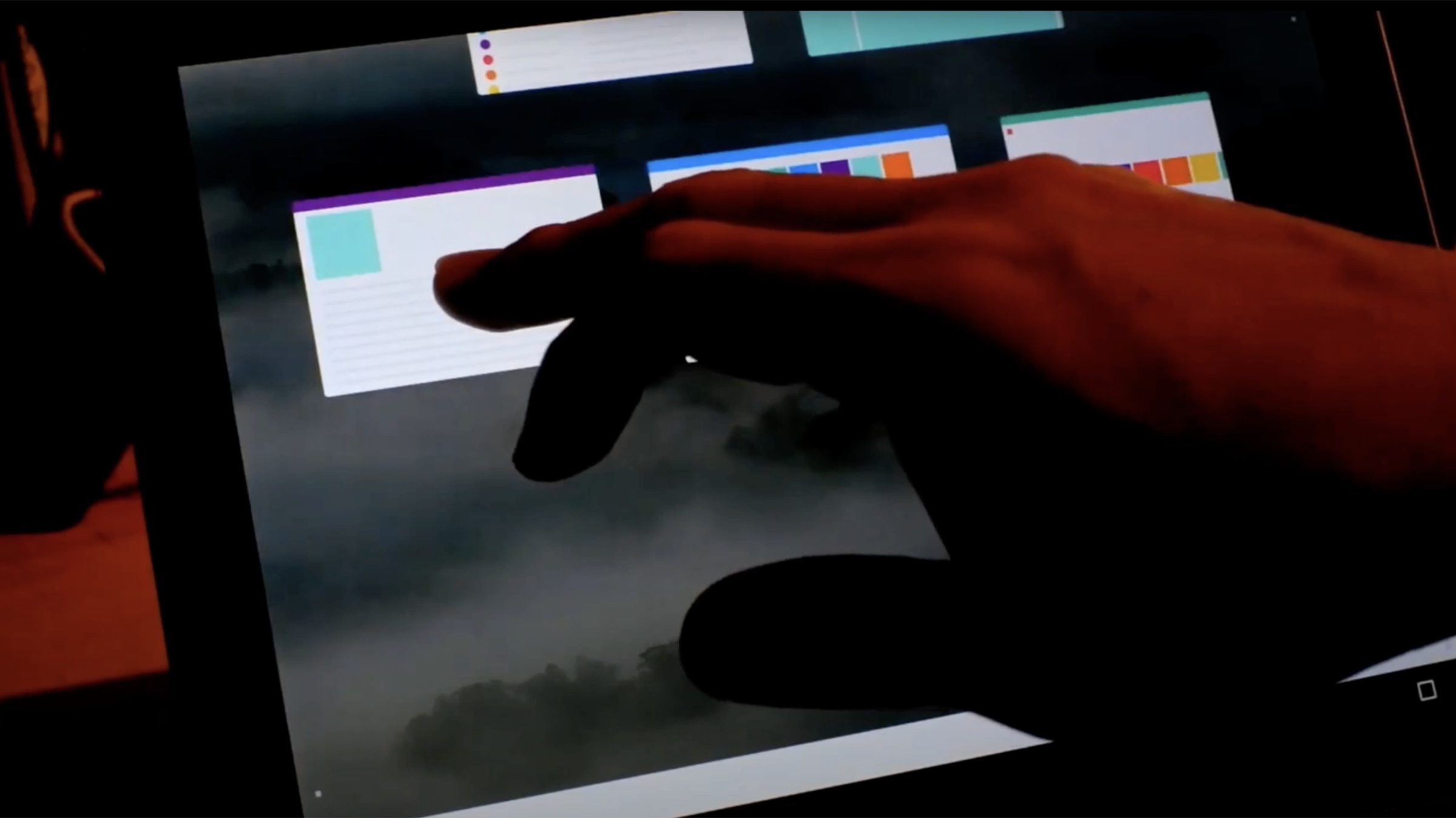
A prototype built with openFrameworks to explore and validate interaction models and physics for an operating system. Watch this video below to see it in action. オペレーティングシステムのインタラクションモデルと物理演算を探求し、検証するための、openFrameworksで作られたプロトタイプです。このビデオで動きをご覧ください。
Choosing my adventure
自分で冒険を選ぶ
So, I tend not to spec before I start. I use the code to figure out exactly what has to be made.
It is important to define the problem, but not the answer, and not even the process.
I need hypotheses to proceed. Hypotheses are to be proved or disproved. Either way is good progress.
I don’t like waiting for someone to give me instructions. I like working with people to ideate. And I build ideas to drive discussions.
だから、私は始める前に仕様を決めない傾向があります。コードを見て、何を作らなければならないかを考えるのです。
問題を定義することは重要ですが、答えやプロセスを定義することは重要ではありません。
前に進むためには、仮説が必要です。仮説は証明されるか反証されるかです。どちらにしても、よい進展です。
私は、誰かに指示されるのを待つのは好きではありません。私は、人と一緒にアイデアを出すのが好きです。そして、議論を進めるためにアイデアを構築します。
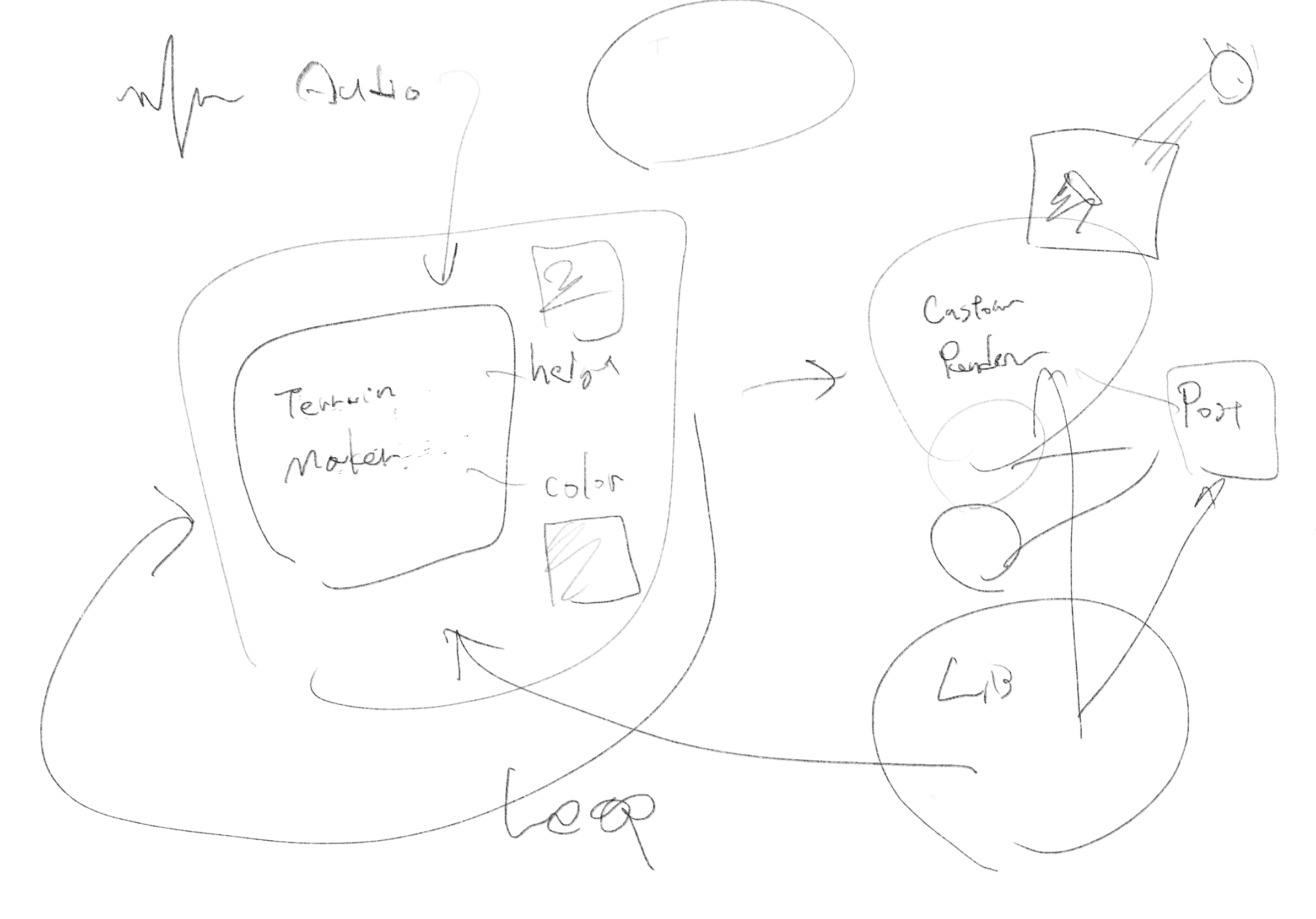
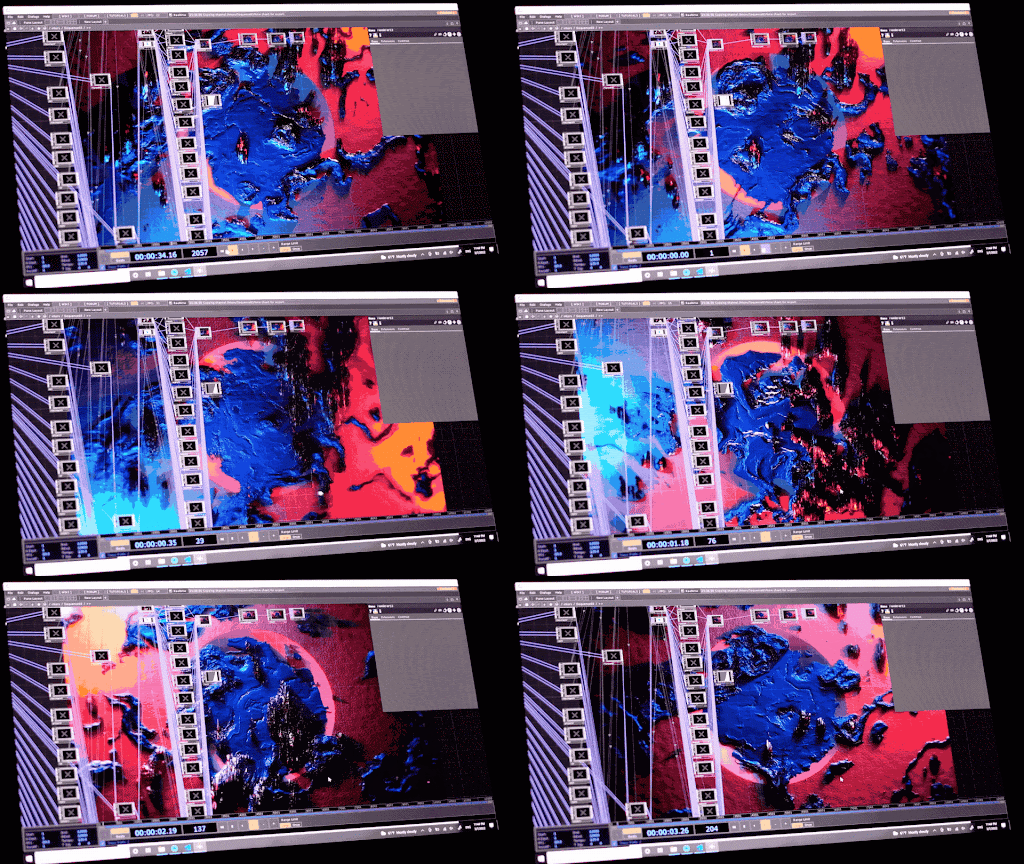
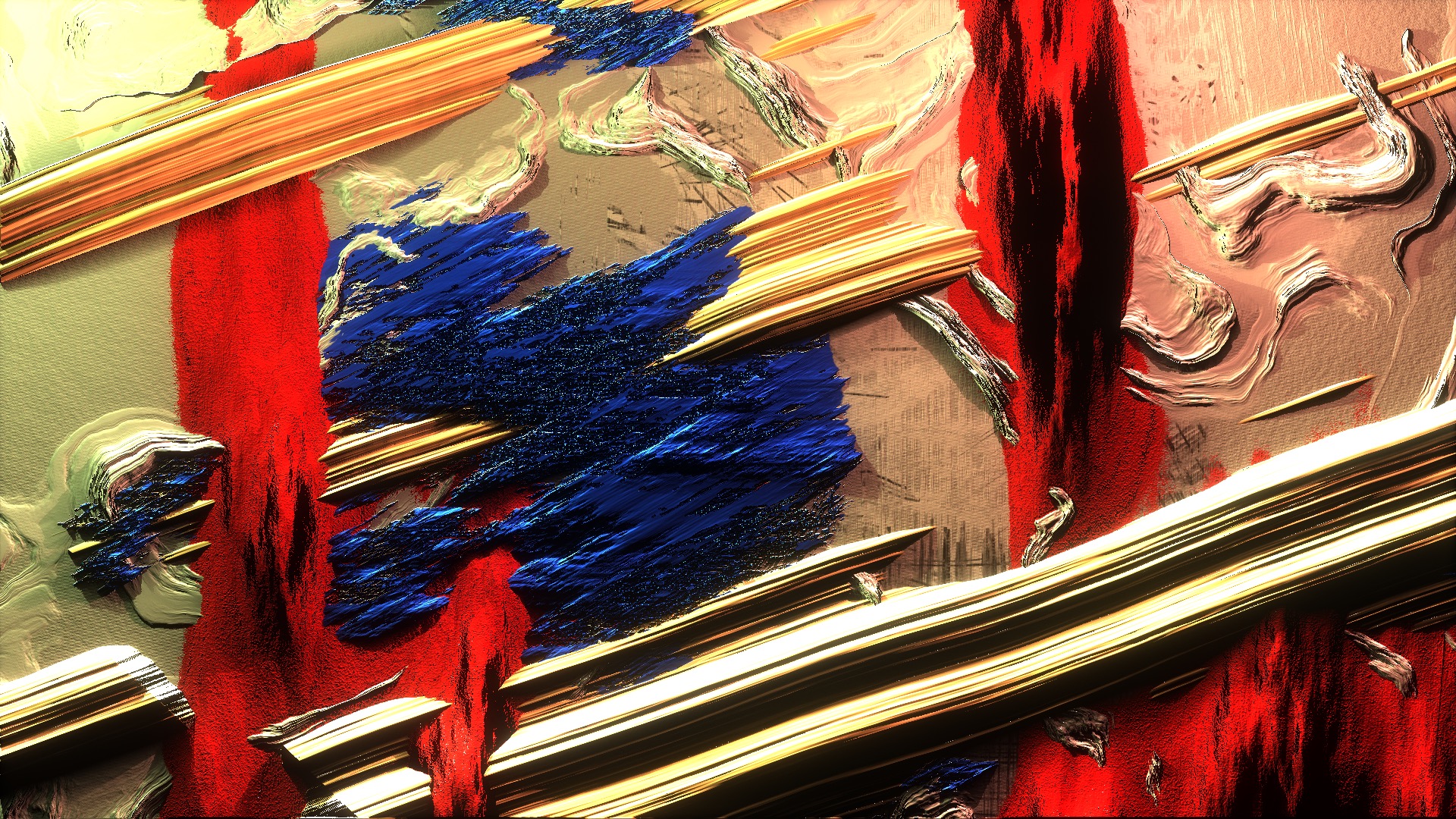
I sometimes do make plans though. This is a sketch for the Expression project below. Usually, this is enough to start making. 時々は計画を立てることもあります。これは下記のExpressionプロジェクトのスケッチです。大抵これくらいで作り始めるのに十分です。
Prototyping can save tons of discussions
プロトタイピングで多くの議論を省ける
Quick sketches on a whiteboard (or iPad these days) can save a lot of talking.
Seeing a prototype in action often communicates an idea a lot better than static mocks and documents, and can lead to quick decision making with much more confidence.
If a picture is worth 1,000 words, a prototype is worth 1,000 meetings.
Tom and David Kelley, IDEO
ホワイトボード(最近ではiPadでも可)に素早くスケッチすることで、多くの時間を節約することができます。
プロトタイプが実際に動いているのを見ることは、静止したモックや文書よりもずっとよくアイデアを伝え、より信頼性の高い迅速な意思決定につながることがよくあります。
絵が1000の言葉に値するなら、プロトタイプは1000のミーティングに値する。
トム・ケリー、デビッド・ケリー、IDEO
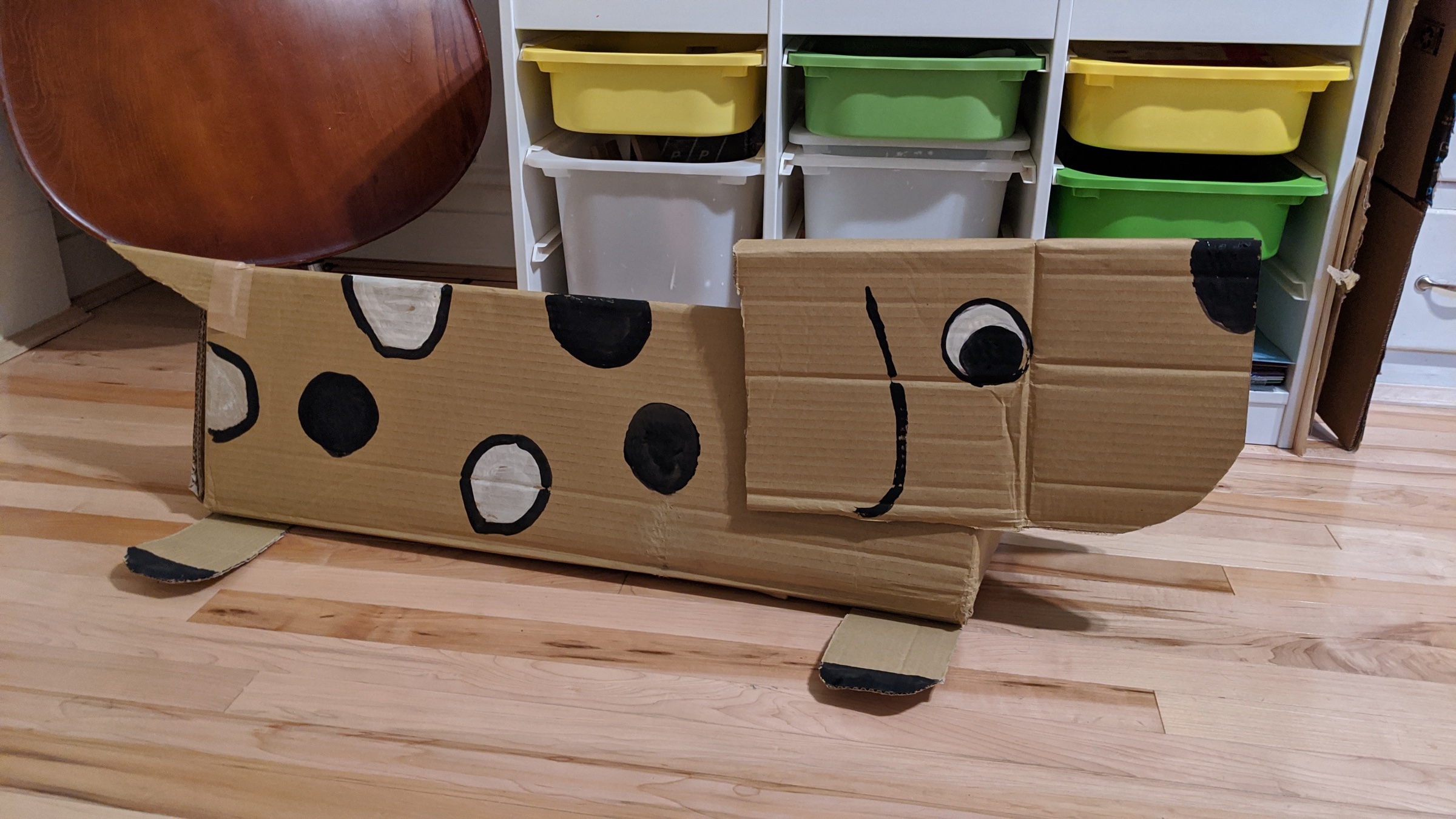
Physical presence is one of the hardest things to evaluate without actually mocking up. See some UX design examples. 物理的な存在感は、実際にモックアップを作成しないと評価するのが難しいことの一つです。UXデザインの例。
Prototypes let me exhaust possibilities very quick
プロトタイプで可能性を素早く網羅できる
The last two points are somewhat unique to coding.
I’m lazy.
I’m always looking for easier and faster ways to do more with less.
When I work on complex problems with a lot of permutations(which most of UX design problems are), I turn to code and have it do my job.
With algorithms, it is much easier to create variations and rationalize them than by hand.
最後の2点は、ややコーディングに特化したものです。
私は怠け者です。
私はいつも、より少ない労力でより多くのことを行うための、より簡単で迅速な方法を探しているのです。
多くの組み合わせがある複雑な問題(UXデザインの問題のほとんどはそうです)に取り組むとき、私はコードに頼り、コードに私の仕事をさせます。
アルゴリズムを使えば、手作業よりもはるかに簡単にバリエーションを作り、それを理路整然と説明することができます。
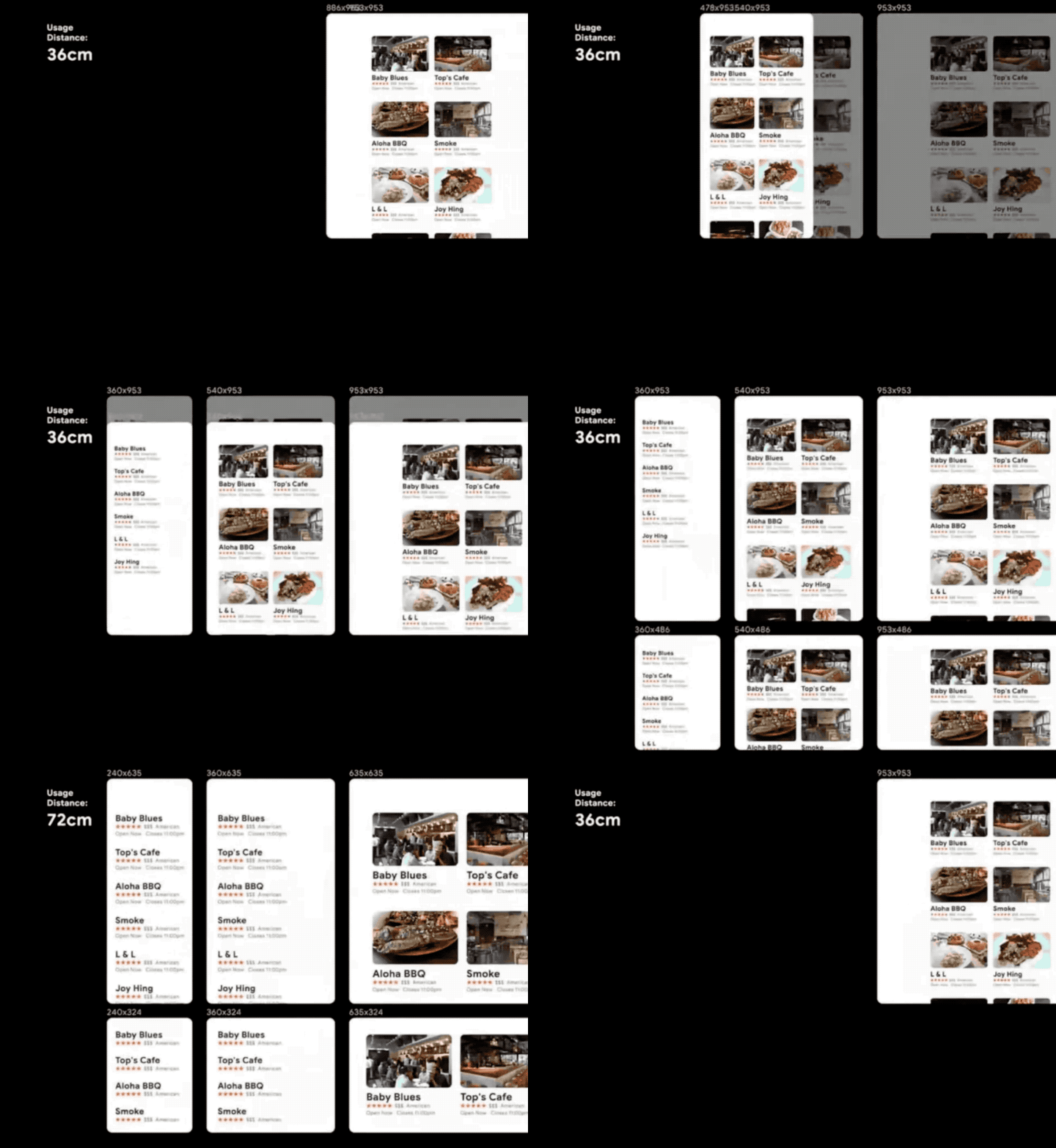
Tired of drawing all the variations for different products and modes? Code them to exhaust! See more examples in this video. 異なる製品やモードのすべてのバリエーションを描くのに疲れましたか? 網羅するためにコード化しましょう!このビデオでさらに多くの例がみれます。
Prototyping forces me to be rigorous.
プロトタイピングは厳密さを強いる
I don’t like handwaving. I like code because it makes it harder to turn off my eyes from the important details.
When I’m sketching with code, I can not build a design that is illogical. If my logic is broken, the prototype will be broken.
I can still build a bad design. But seeing it in action makes that obvious, and much easier to see why it is bad.
And after all, prototypes are the best for design validation. When they are built properly, they are ready for testing.
私はごまかし (Handwaving*) が好きではありません。コードが好きなのは、重要なディテールから目をそらすことが難しくなるからです。
コードでスケッチしていると、非論理的なデザインは組めません。私の論理が破綻していれば、プロトタイプも破綻してしまいます。
それでも、悪いデザインを作ることはできます。でも、実際に動くものを見れば、それは一目瞭然で、なぜダメなのかがずっとわかりやすくなります。
そして、やはりプロトタイプは、デザインの検証には最適なのです。きちんと作り込んだら、テストの準備に入ります。
Handwavingとは何かを説明する際に、大事な部分を省略したり曖昧にすることを指します。具体的な証拠や詳細を示さずに、身振りで誤魔化すようなイメージです。かっこいい名前のついた実態のない魔法のアルゴリズムや、根拠の怪しい健康食品やマイナスイオンとかもこの仲間です。
That’s all my rambling.
Prototype the unknown and enjoy your journey!
以上、私のとりとめのない話でした。
未知のものを試作し、旅を楽しみましょう!