Ray casting レイキャスティング
vec2 raycast( in vec3 rayOrigin, in vec3 rayDirection )
{
    vec2 result = vec2(-1.0,-1.0);

    float tmin = 1.0;
    float tmax = 20.0;

    // raytrace floor plane
    float tp1 = (0.0-rayOrigin.y)/rayDirection.y;
    if( tp1>0.0 )
    {
        tmax = min( tmax, tp1 );
        result = vec2( tp1, 1.0 );
    }
    //else return result;

    // raymarch primitives
    vec2 tb = iBox( rayOrigin-vec3(0.0,0.4,-0.5), rayDirection, vec3(2.5,0.41,3.0) );
    if( tb.x<tb.y && tb.y>0.0 && tb.x<tmax)
    {
        //return vec2(tb.x,2.0);
        tmin = max(tb.x,tmin);
        tmax = min(tb.y,tmax);

        float t = tmin;
        for( int i=0; i<70 && t<tmax; i++ )
        {
            vec2 h = map( rayOrigin+rayDirection*t );
            if( abs(h.x)<(0.0001*t) )
            {
                result = vec2(t,h.y);
                break;
            }
            t += h.x;
        }
    }
    return result;
}
This function returns the distance between the origin of the ray and the point it intersects with an object, and the material ID of the object.
この関数は、レイの原点からオブジェクトとの交点までの距離と、オブジェクトのマテリアルのIDを返します。
The intersection with the floor
床との交差
The intersection with the floor can simply be calculated. (0.0-rayOrigin.y) represents the vertical distance between the ray’s origin and the floor. 0.0 might seem unnecessary, but it is representing the y position of the floor. Try changing the number to see the floor move.
床との交差点は単純に計算できます。(0.0-rayOrigin.y) はレイの原点と床との垂直方向の距離を表しています。0.0 は不要に見えるかもしれませんが、これは床のy位置を表しています。この数値を変更してみると、床を移動できます。
Dividing the vertical distance by rayDirection.y, which indicates how much the ray moves vertically per unit length, you can get the distance the ray must travel to hit the floor. (A negative result means that the ray never intersects with the floor.)
rayDirection.yは、レイが単位距離ごとにどれだけ垂直方向に移動するかを示しています。垂直方向の距離をrayDirection.yで割ることで、レイが床に当たるまでに進む距離が得られます。(負の結果は、レイが床と交差しないことを意味します。)
The intersection with objects
オブジェクトとの交差
The next part is ray marching to check if the ray intersects with the other objects.
次の部分は、レイが他のオブジェクトと交差するかどうかを確認するためのレイマーチングです。
Rough hit check with a box
箱を使った大雑把な判定
Notice that the iBox() function is used before the actual ray marching loop. This way, we can roughly check if the ray goes through a large box that contains all the objects to avoid unnecessary calculations.
実際のレイマーチングのループの前に使われている iBox() 関数に注目してください。これにより、レイがすべてのオブジェクトを含む大きな箱を通過するかどうかを大まかにチェックし、不必要な計算を避けることができます。
// https://iquilezles.org/articles/boxfunctions
vec2 iBox( in vec3 ro, in vec3 rd, in vec3 rad )
{
    vec3 m = 1.0/rd;
    vec3 n = m*ro;
    vec3 k = abs(m)*rad;
    vec3 t1 = -n - k;
    vec3 t2 = -n + k;
	return vec2( max( max( t1.x, t1.y ), t1.z ),
	             min( min( t2.x, t2.y ), t2.z ) );
}
For the details of this function, look at this page.
この関数の詳細については、下のページを参照してください。
 https://iquilezles.org/articles/boxfunctions/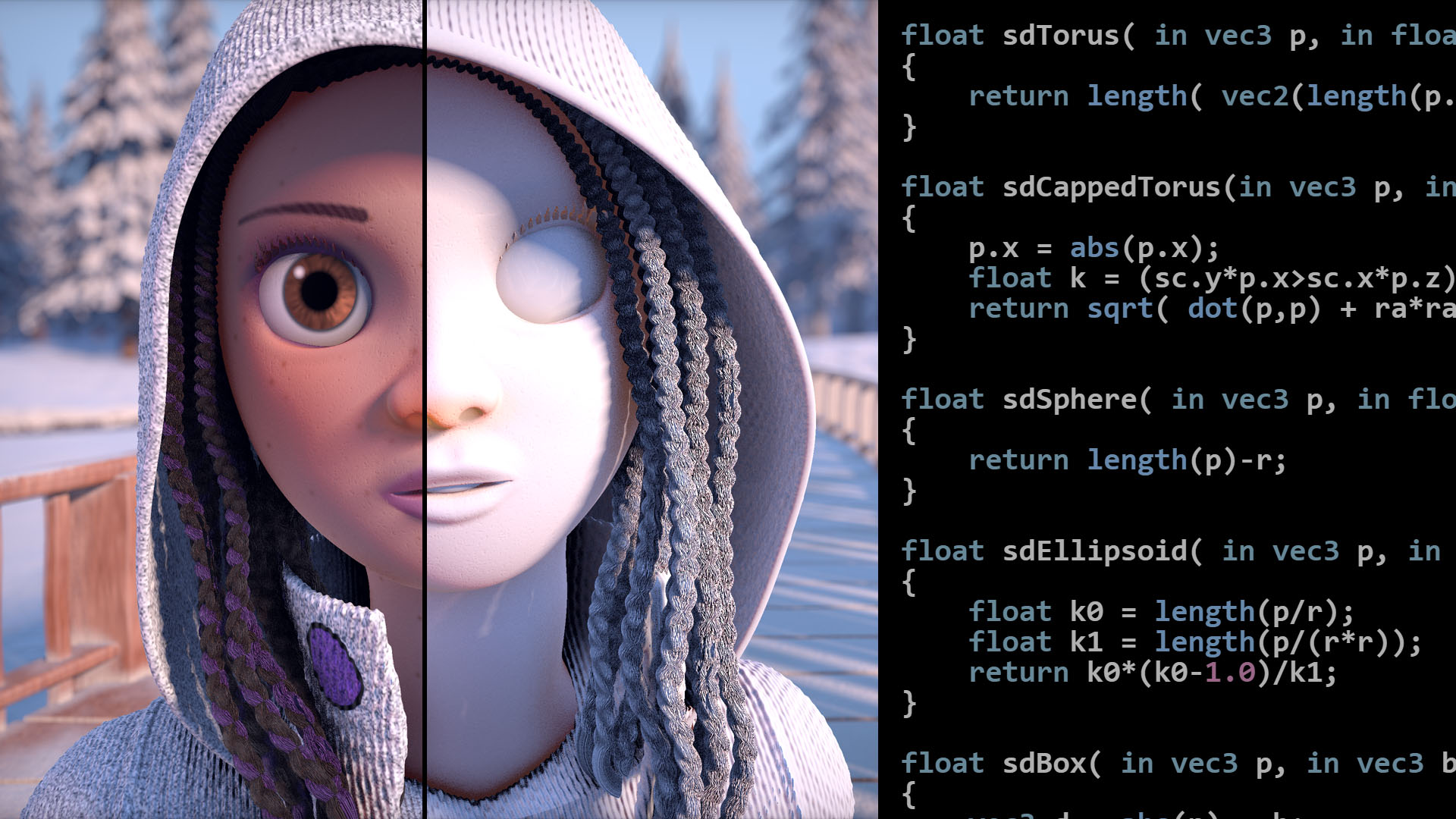
Hit check with SDF
SDFによる当たり判定
The map() function is the core of the ray marching process. This function is pretty long too, but the contents are simply the same process repeated: calculating distances to object surfaces using signed distance functions (SDF). It returns two values: the distance between a given point and the surface of the closest object, and the material ID for that object.
map()関数はレイマーチングプロセスの核です。この関数もかなり長いですが、中身は同じプロセス、符号付き距離関数(SDF)を使ったオブジェクトの表面までの距離の計算の繰り返しです。この関数は2つの値を返します。与えられた点から最も近いオブジェクトの表面までの距離と、そのオブジェクトのマテリアルIDです。
To learn about how you can define and calculate the distance with SDF, take a look at this page.
SDFを使用して距離を定義し計算する方法について学ぶには、このページをご覧ください。
3D Rendering with Ray Marching レイマーチングによる3Dレンダリング
vec2 map( in vec3 pos )
{
    vec2 res = vec2( pos.y, 0.0 );

    // bounding box
    if( sdBox( pos-vec3(-2.0,0.3,0.25),vec3(0.3,0.3,1.0) )<res.x )
    {
      res = opU( res, vec2( sdSphere(    pos-vec3(-2.0,0.25, 0.0), 0.25 ), 26.9 ) );
	    res = opU( res, vec2( sdRhombus(  (pos-vec3(-2.0,0.25, 1.0)).xzy, 0.15, 0.25, 0.04, 0.08 ),17.0 ) );
    }

		...
    return result;
}
Similarly to the above, sdBox() is used to roughly check if pos is close enough to the objects inside a box to avoid unnecessary calculations.
上で行ったのと同じく、不要な計算を避けるために sdBox() を使って pos がボックスに含まれるオブジェクトに十分近いかどうかを大まかにチェックしています。
result stores the distance to the closest object in the x component and the material ID in the y component. See how opU overwrites the result based on comparing the distances.
resultはx成分に最も近いオブジェクトまでの距離を、y成分にマテリアルのIDを格納します。opUが距離を比較してどのように結果を上書きするかに注目してください。
vec2 opU( vec2 d1, vec2 d2 )
{
	return (d1.x<d2.x) ? d1 : d2;
}